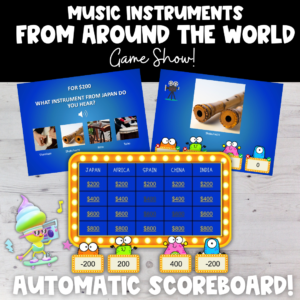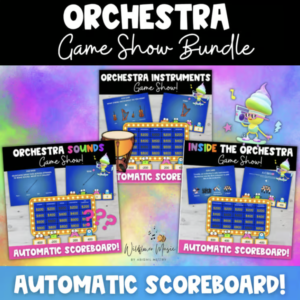
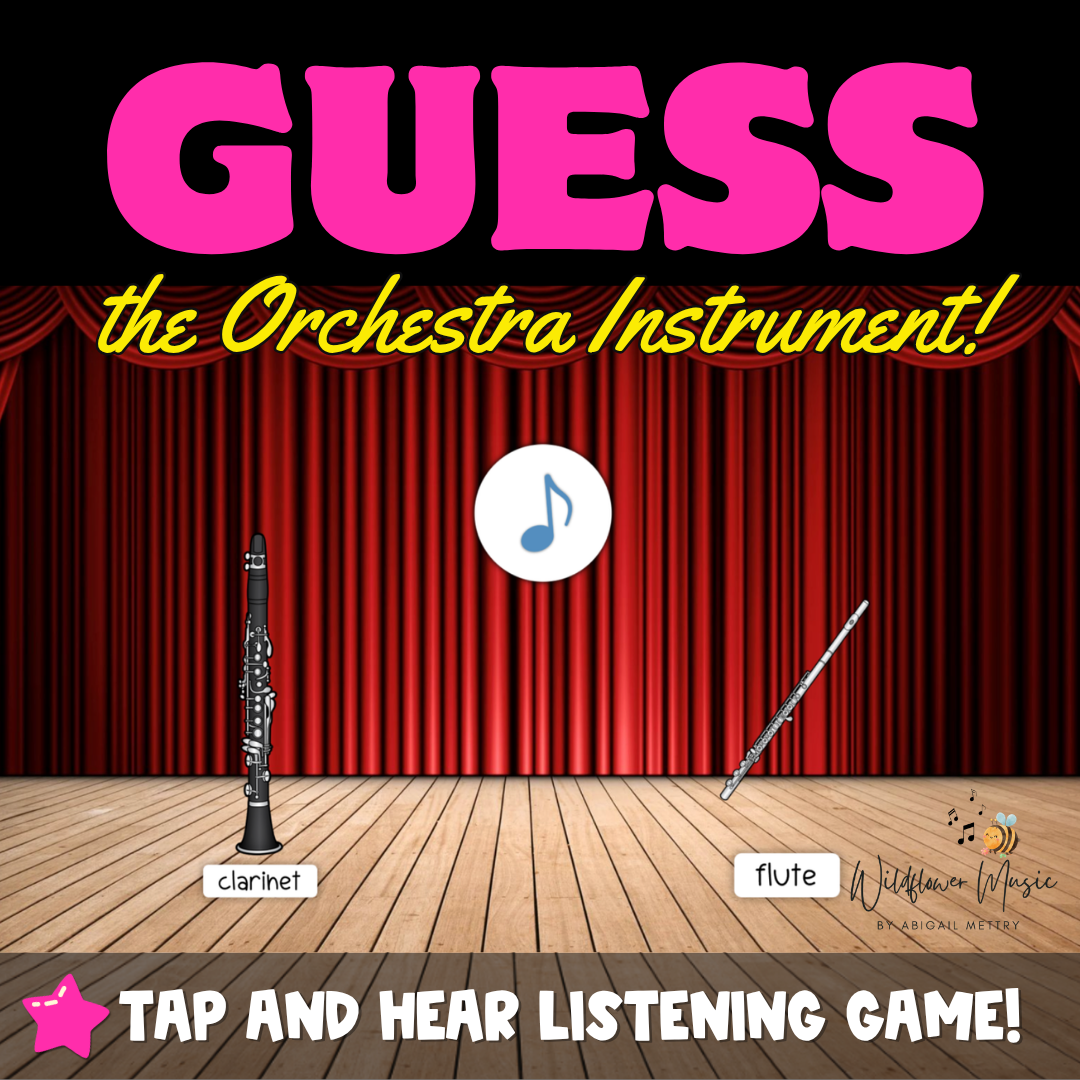
Make learning orchestra instruments feel like a game! In this interactive Guess the Orchestra Instrument listening activity, students listen to real orchestra recordings, identify the instrument they hear, and click or tap their answer to find out if they are correct.
Perfect for elementary music classrooms, this PowerPoint listening game gives students practice recognizing orchestra instruments by timbre while becoming more familiar with the sounds of the orchestra.
How It Works
- Play the orchestra recording.
- Students listen and decide which instrument they hear.
- Click or tap the instrument they think is correct.
- Fun animations and sound effects reveal the answer.
- Move on to the next listening challenge!
This activity is especially fun on an interactive whiteboard, where students can take turns coming to the board and tapping their answers. No interactive whiteboard? Simply project the presentation for the class and have students make their guesses before you click the answer.
Great For
- Orchestra instrument units
- Instrument family lessons
- Listening activities
- Music centers
- Whole-class review
- No-prep music lessons
- Sub plans
Students aren’t just memorizing instrument names—they’re learning to recognize the actual sound of each instrument.
Important: For full interactive functionality, this resource must be opened in Microsoft PowerPoint on a desktop computer and played in Slide Show mode. Interactive elements, animations, and sound effects may not function correctly in other programs or viewing modes.