
Explore the Orchestra—See It, Hear It, and Interact With It!
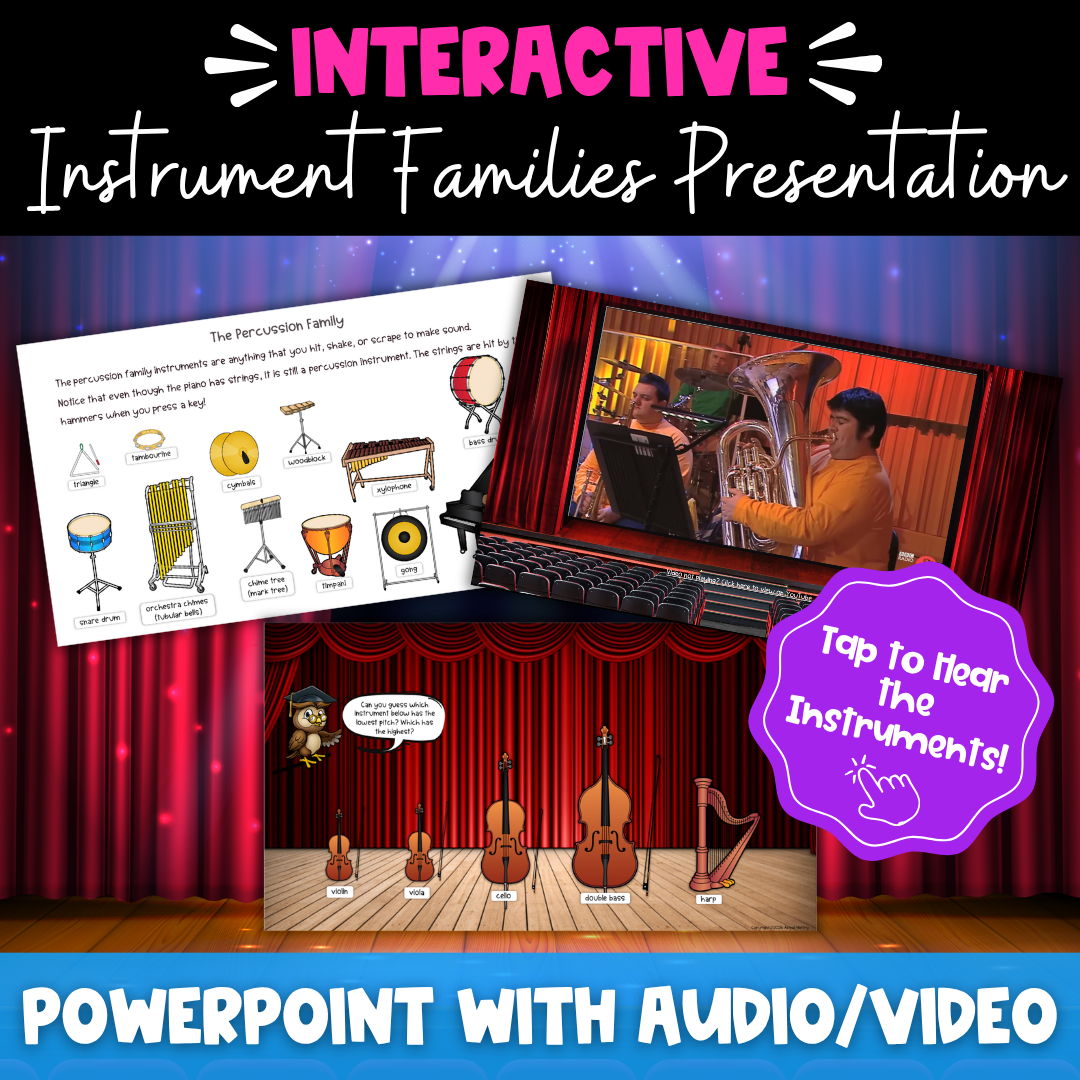
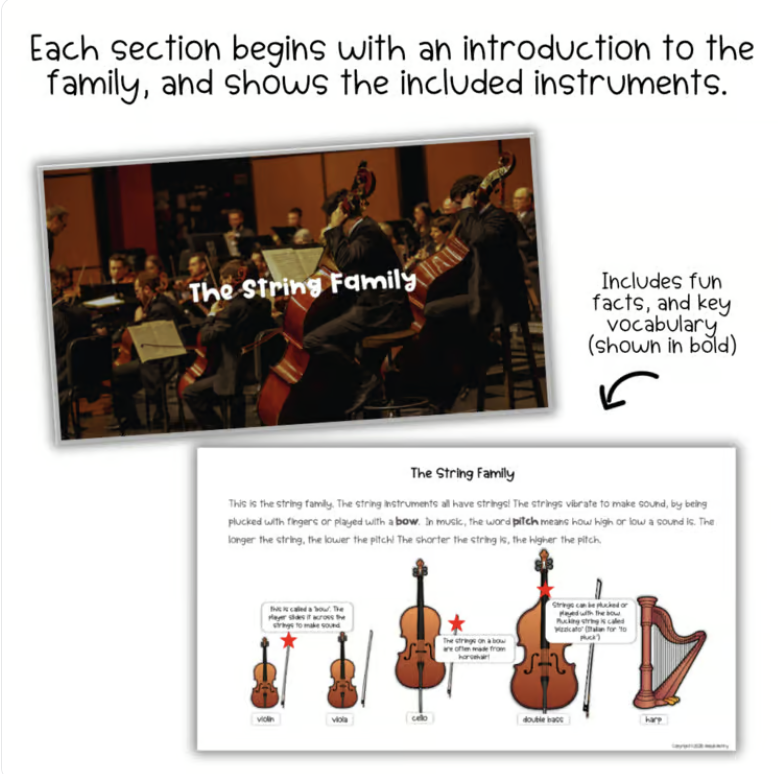
Bring the orchestra to life with this interactive Orchestra Instrument Families PowerPoint lesson! Students explore the four families of the orchestra—strings, woodwinds, brass, and percussion—through visuals, real instrument sounds, and video performances.
Instead of simply memorizing instrument names, students get to see, hear, and explore how each instrument works and sounds.
What’s Included
- Interactive PowerPoint presentation
- Introduction to the orchestra
- Lessons for the String, Woodwind, Brass, and Percussion families
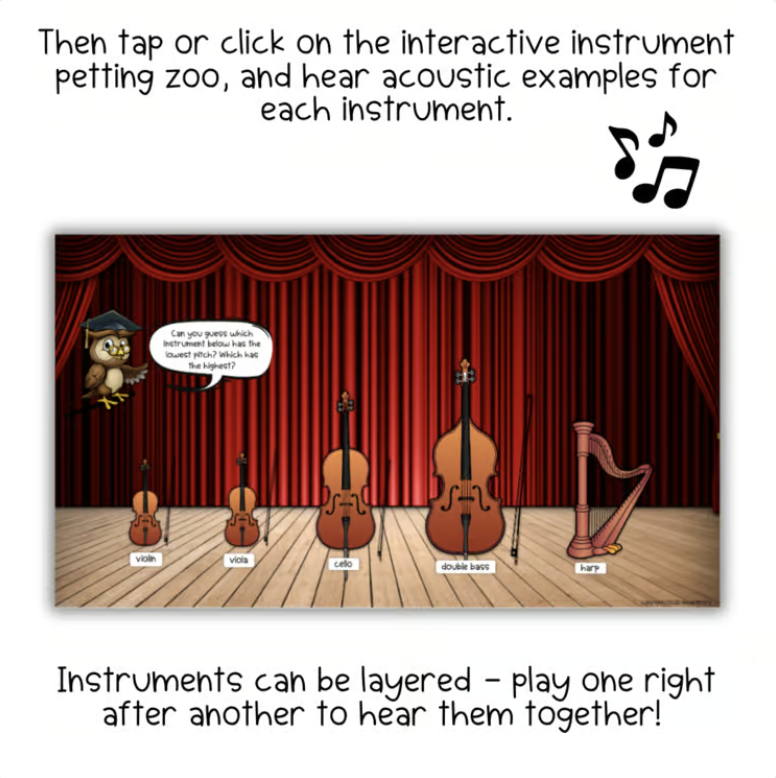
- Clickable instruments with audio examples
- “Now Showing” slides with video demonstrations
- Clear, student-friendly visuals and explanations
- Organized, ready-to-teach lesson sequence
Students Will
- Identify orchestra instruments by sight and sound
- Recognize the four orchestra instrument families
- Explore how different instruments are played
- Develop listening and describing skills
- Build foundational knowledge of the orchestra
No Prep—Just Open and Teach!
Use the presentation for whole-class instruction, project it at the front of the room, or make it even more interactive with an interactive whiteboard. Students can tap instruments to hear their sounds—and can even layer multiple instrument sounds together to experiment with creating their own orchestra!
Perfect For
Elementary general music • Orchestra units • Music appreciation • Sub plans • Centers and stations • Interactive whiteboards
This resource supports National Core Arts Standards in Responding, Performing, and Connecting as students listen to, identify, describe, and explore instruments of the orchestra.