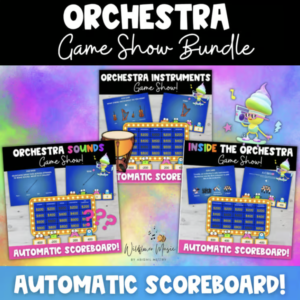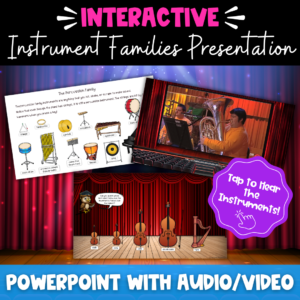
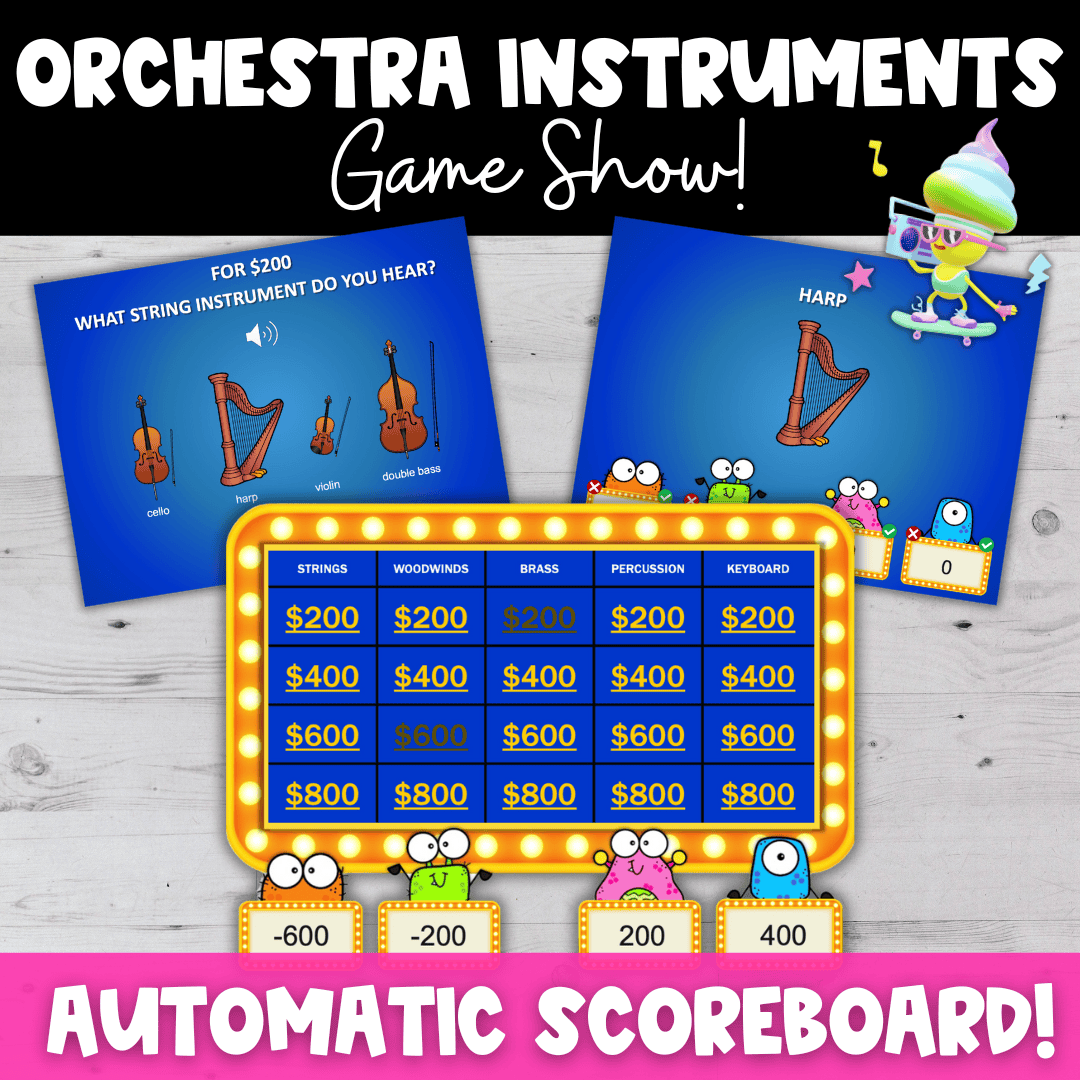
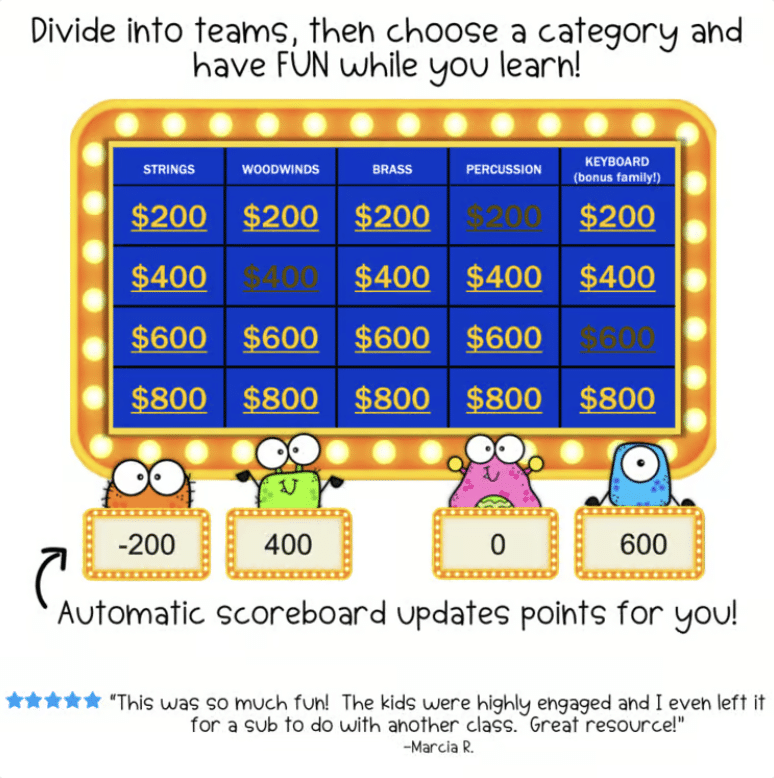
This interactive instruments of the orchestra game helps elementary music students identify orchestra instruments and learn the four instrument families through a fun, game-show-style activity! Divide your students into teams and let the fun begin.
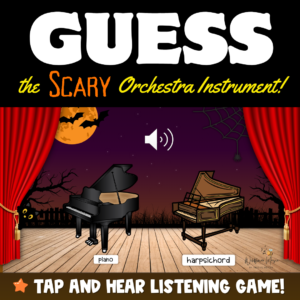
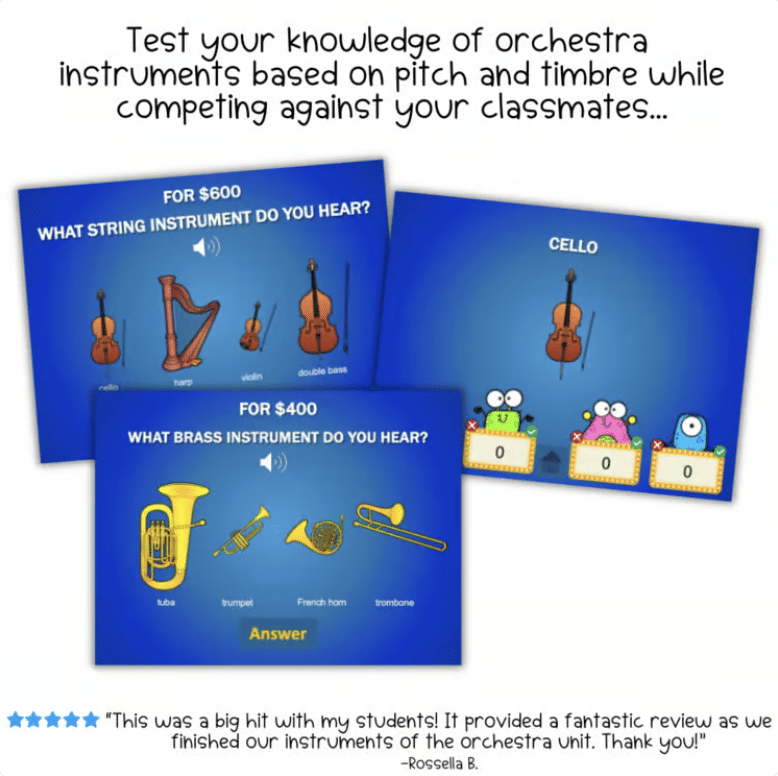
Students click the play button to hear an acoustic recording of an instrument, then reveal the answer to see a picture of the correct instrument. As they play, students connect orchestra instrument sounds with instrument names and families while strengthening their aural listening skills.
Colorful monsters represent each team, and the scoreboard updates automatically when you click their score box. If no one answers within 30 seconds, a funny buzzer sounds! Add even more excitement with built-in sound effects—click the check mark to hear a cheering crowd or the X to hear a silly blooper sound.
This interactive orchestra game makes a fun review activity for an instruments of the orchestra unit and gives students practice identifying the strings, woodwinds, brass, and percussion families. If you’re looking for engaging orchestra games or instrument family games for elementary music, this activity combines listening, instrument identification, and friendly competition in one easy-to-use PowerPoint game.
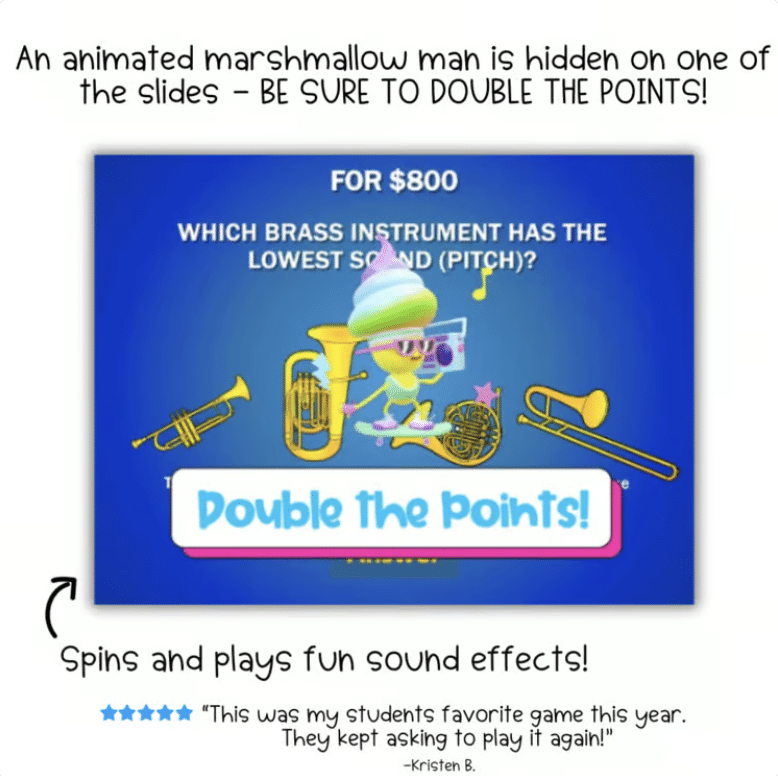
BONUS: A hidden 3D Marshmallow Man is waiting on one of the slides, complete with a fun music track! When your students find him, double the points (or double subtract).
Ways to Play
- Project the game from your computer and play as a whole class.
- Use an interactive whiteboard and let students select categories and reveal answers.
- Play at home on a laptop or desktop computer.
Students Will Practice
- Identifying instruments by sound
- Matching instrument sounds with instrument names
- Recognizing instruments from the four orchestra families
- Developing aural listening and instrument-identification skills
- Reviewing the strings, woodwinds, brass, and percussion families
Requirements
- Microsoft PowerPoint for Mac or Windows
- Desktop or laptop computer required for the interactive scoreboard
- Not compatible with tablets or smartphones
Requirements:
-
Microsoft PowerPoint (Mac or Windows)
-
Must run on a desktop or laptop for the scoreboard to work (not compatible with tablets or smartphones)
What Others Say:
“This was so much fun! The kids were highly engaged and I even left it for a sub to do with another class. Great resource!”
— Marcia R.
“This was a big hit with my students! It provided a fantastic review as we finished our instruments of the orchestra unit. Thank you!”
— Rossella B.
This resource is aligned with the National Core Arts Standards.